How to download the Betwinner app
Here is the quick version. This page covers where to get the Android and iOS app, how to install it without hitting a security block, and what shifts once you are up and running.
What matters most
A single app handles both sports and casino on Android and iOS, and it throws in live streams plus the occasional promo you only get in the app.
Check the system requirements before you start. A really old handset just falls back to the mobile site.
Beyond the standard stuff, you get push alerts, cash-out, and a bet slip that locks in after two taps.
Why bother with the app?
Compared with the mobile site, it loads faster and remembers your login. Every so often a promo shows up that only app users can claim.
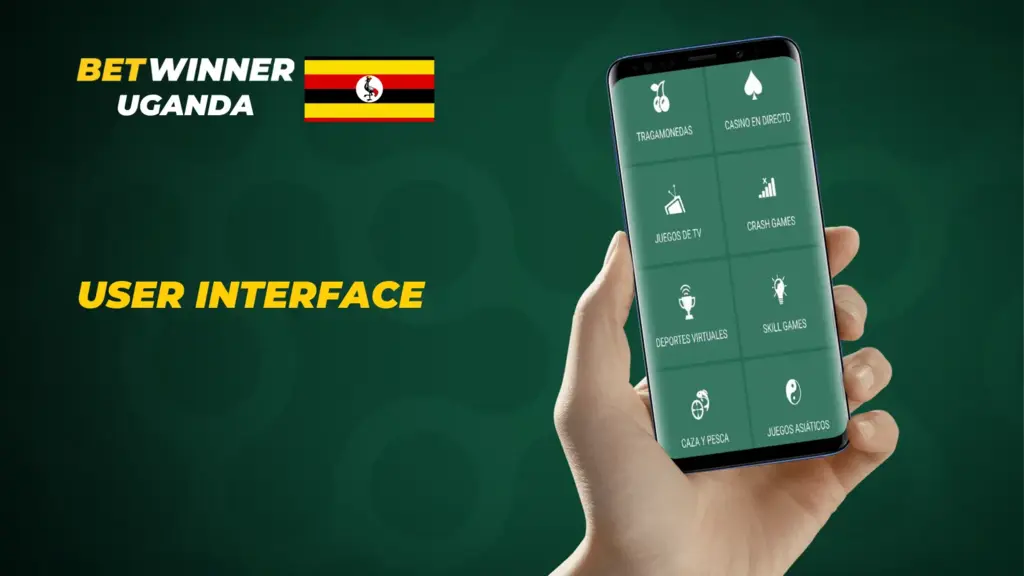
The menus match the website exactly, so nothing feels unfamiliar once you make the move.
Sports and casino live in one app and draw from the same balance.
Getting the Betwinner apk on Android
Forget Google Play here. On Android the file comes direct from the site. Three steps:
Open the Betwinner site in your Android phone’s browser.
Scroll right down and tap the ‘Mobile applications’ link.
Press the Android download button, and the .apk begins saving to your phone.
Open that APK and Android will flag it. Nothing to worry about, since anything installed from outside the store triggers the same warning. Head to settings, allow your browser or file manager to install from unknown sources, then tap the .apk once more to wrap up. Keep one habit and you stay safe: only ever pull the Betwinner Android apk from the official site. A random mirror can hand you malware.
What your Android phone needs
The Android checklist:
Android 4.4 at the very least, though OS 5+ (Lollipop) feels smoother
At least 1 GB of RAM
A display no smaller than 320 x 480 pixels
Leave 200 MB of free space too. Pretty much any handset from the past five or six years clears that.
Android brands that run it
The Android build works on all the common names:
Vivo
Xiaomi
Samsung
OnePlus
Honor
Huawei
Google Pixel device
Brand not listed? It will almost certainly still run. Treat that as a sample, not the full set.
One APK covers every brand. There is no separate build for each maker.
Getting the Betwinner app on iOS
For iPhone it is the usual App Store route:
Search ‘Betwinner’ in the App Store.
Tap the app in the results.
Hit ‘Get’ and the download starts.
You will need an Apple ID, and it may ask for your password to confirm.
If your local App Store hides it, switching your Apple ID region does get around that, but it stretches Apple’s rules. Honestly, the mobile site is the tidier option.
After it installs, log in with the details you already have, or open an account right there in the app.
What your iPhone needs
On iOS you need version 9.0 or later and about 300 MB free.
Any iPhone from the 5s up will cope. The chip matters less than your connection, since live betting falls apart when packets drop.
iOS devices that work
That covers the iPhone 6 and newer, plus the iPad and iPod Touch.
Getting around the app: layout and features
Turn the phone and the screen turns with it. Both portrait and landscape are fine.
Inside the app:
Solid-quality live streaming for anyone who has a bet down or money sitting in the account
In-play betting on live fixtures, where the odds shift as you watch
Payments through mobile money, bank cards, e-wallets, and a handful of cryptocurrencies
Streaming needs one of two things from you: an active bet or a funded account.
Markets and betting choices
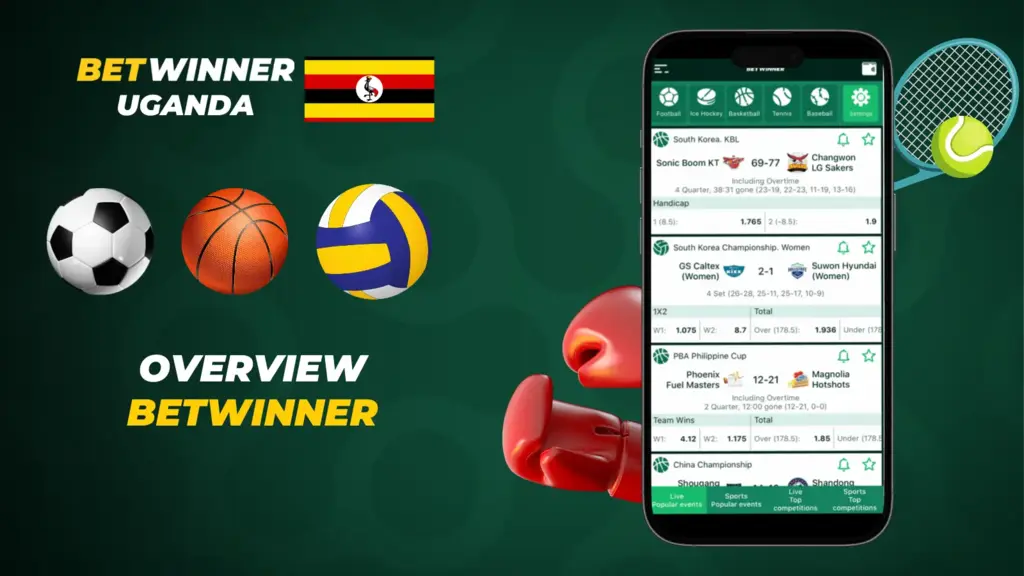
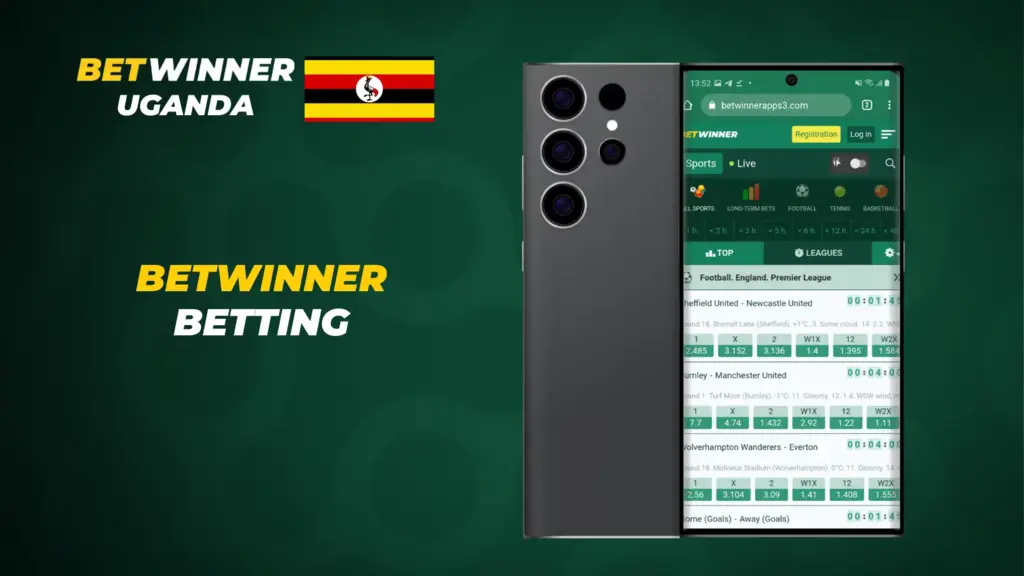
More than 20 sports are in there. Soccer, basketball, and tennis top the list, followed by niche ones like darts and volleyball, and virtual sports round it out.
Head to the casino games tab for jackpot slots and live dealer tables running on NetEnt and Evolution Gaming.
Tuning things to your liking
Handy tools for running a bet:
Push notifications: results, odds swings, and promos drop straight onto your screen.
Cash-out: close a bet before the final whistle to lock in a profit or limit the damage.
Two-click betting: lock a stake in two taps rather than clicking through screen after screen.
Get to grips with cash-out first. It completely changes what you can do with a bet that is heading the wrong way.
Also included:
Push notifications that flag scores, results, and new betting openings
A cash-out button for taking your profit before the event wraps up
Two-click betting that trims the steps and gets your stake placed quicker
Notifications can be set per event type, so your phone only buzzes when something you actually chose happens.
Bonuses and promotions for app users
Every deal from the standard bonuses and promotions list carries over to the app, and now and then an app-only offer tags along: a sports welcome bonus, say, or a casino package with free spins on your first deposit.
Stay a while and reload bonuses, free bets, boosted odds, and a birthday code by email start showing up.
Claiming a bonus
Tick ‘take part in bonus offers’ during sign-up, then put down your first deposit above the minimum.
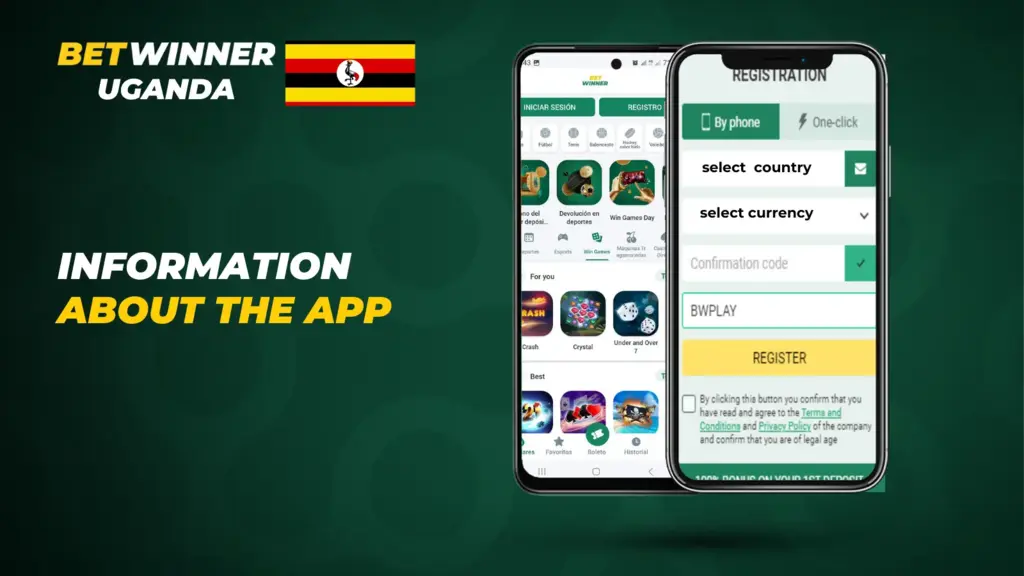
The code goes in the box during account registration, and regional codes can tack on up to 30% more. To switch it on:
Head to ‘My Account’
Pick ‘Bonuses and Offers’
Locate the first deposit bonus
Tap ‘Activate’ or ‘Claim’
Check the small print. The bonus, and whatever it earns, only turns into withdrawable cash once you clear the wagering, and you get a 30-day window to do it.
Fixing common app problems
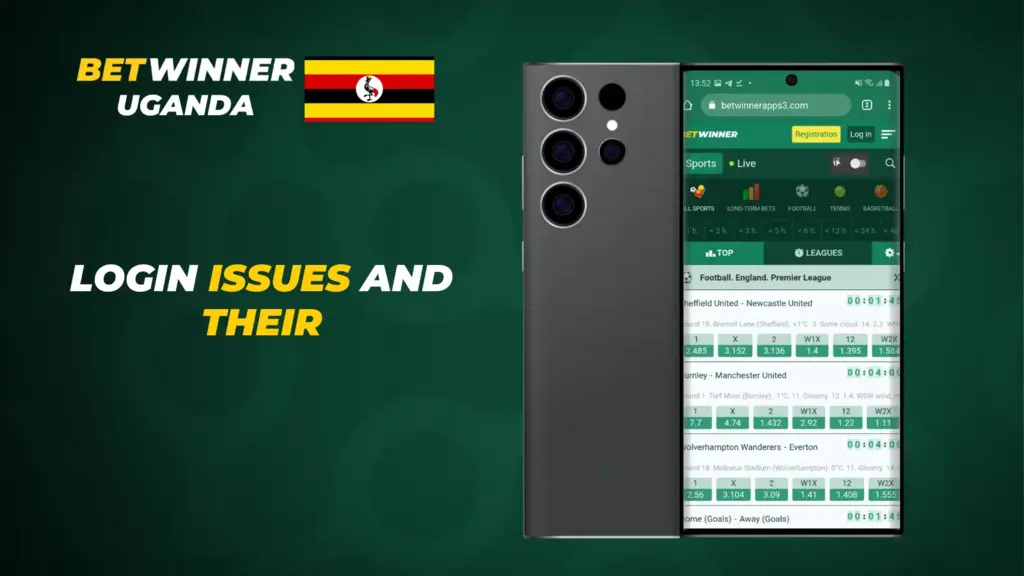
When something goes wrong, an update sorts it out most of the time. On Android you grab the newest APK from the site. On iOS the App Store quietly updates it for you.
App will not stop crashing? Run through these:
Double-check your device meets the specs listed in the Google Play Store.
Revert the system to an older version.
Switch to a steady connection so login does not hang.
Reach out to customer support if it keeps playing up.
Still stuck? Support will want your device model and app version, so have both ready before you message them.
App or mobile website?
App or mobile site? Either one works, they just give and take in different ways. The app opens quickly and gets you into live events within a couple of taps, handy when you bet on the go. The downside is the install itself and the storage it swallows, a real pain if your phone is already stuffed.
The mobile site needs nothing beyond a browser. The app feels slightly slicker and more familiar, whereas the site runs anywhere without an install. Your choice really hinges on spare storage. Short on room? Go with the site.
How the app keeps you safe
Whether you use the app or a browser, every connection runs over SSL encryption. Withdrawals deliberately ask for extra confirmation details. It slows you down a touch, sure, and that little bit of friction is exactly what protects your balance.
The Betwinner app packs in two-factor login and deposit limits you can set inside it. Turn them on once and you never think about it again.
Wrapping up
Android owners grab the APK from the official site, iPhone owners take the App Store build. Once it is installed, log in with your usual details and switch on notifications and 2FA. For the platform-by-platform details, check Android and iOS.
FAQ
Yes, there are builds for both Android and iOS. Just look over the system requirements first, they aren’t heavy.