BetWinner Mobile iOS Uganda
Run the whole BetWinner sportsbook and casino straight from an iPhone or iPad. This page walks through installing the app in Uganda and how betting actually works once it sits on your phone. On Android instead? That has its own write-up: BetWinner for Android.
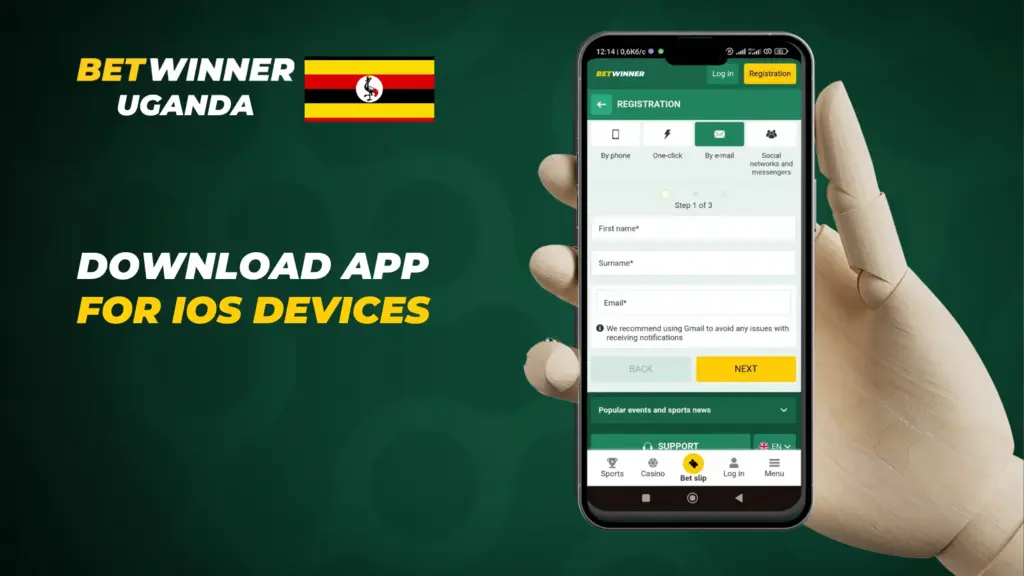
How to download the BetWinner iOS app in Uganda
Setup runs a few minutes. New accounts and existing ones follow the exact same path.
One thing to check before you tap anything: the app wants iOS 11 or later. The full requirements are in the table at the bottom of this page.
- Open the official BetWinner site in your iPhone or iPad browser.
- Scroll down to the footer, where the apps section lives.
- Tap the iOS link. It hands you off to the App Store.
- Hit Get and wait out the install.
- Launch it, then log in or create an account on the spot.
Everything on the desktop site is here too, so moving to the phone costs you nothing.
Updates come down through the App Store, same as any other app. No account yet? The registration guide takes sign-up one step at a time.
What the BetWinner iOS app does
You get the desktop feature set, plus a handful of mobile-only touches.
Day to day, this is what you actually touch:
- Live betting, where odds shift in real time while the match is on.
- The casino side runs slots, poker, roulette and the live casino off the same account.
- Notifications ping you about match starts and promos, plus anything happening on your account. Each type toggles off on its own.
- Deposits and withdrawals both happen inside the app, no browser needed.
- The layout copies the website exactly, so there is nothing new to learn.
Because odds refresh live, a bet you fire off from the phone registers just as fast as one from a desktop.
New builds ship a few times a year. When one lands, a prompt shows up inside the app.
Placing a bet in the app
Nothing changes from the website version. If you want the detail on markets and odds, the betting guide goes deep on that.
Your first bet goes like this:
- Open the app.
- Choose between sports and casino.
- Tap the event or game you want.
- Select a market and read the odds.
- Type your stake into the bet slip, then confirm.
After that, the ‘My Bets’ section tracks how it is doing. Win, and the payout lands in your account without you lifting a finger.
Want a multi-bet? Drop several selections into the same slip and the app ties them together for you.
The specs that matter
Size, supported iOS version and payment options are laid out in the table below.
| Feature | Description |
|---|---|
| App Size | 85MB |
| System Requirements | iOS 11.0 or later |
| Available Betting Markets | Sports, Virtual Games, Casino, Live Betting |
| Payment Methods | Visa, MasterCard, Bank Transfer, Mobile Payments |
| Live Chat Support | Available 24/7 |
FAQ
u003c!u002du002d wp:paragraph u002du002du003ernrnThrough the official site: the download link there forwards you to the App Store page.rnrnu003c!u002du002d /wp:paragraph u002du002du003e